How can I limit the brokers that SnapTrade provides to my users?
By default, SnapTrade provides all brokers available to partners on the broker select screen of the connection portal.
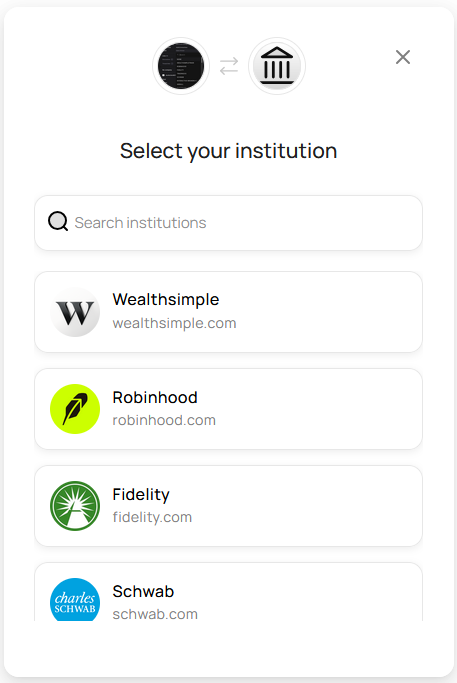
If this does not make sense for the UX of your app, an option is to use the broker parameter when calling the Generate Connection Portal URL endpoint.
How this works, is if send along a broker with the request, the URI will pre-select the broker that the connection portal connects to, and the broker select screen will be skipped altogether.
from pprint import pprint
from snaptrade_client import SnapTrade

snaptrade = SnapTrade(
    client_id="JEREMY-SNAPTRADE-HXEYQ",
    consumer_key="xxxxxxxx"
)

response = snaptrade.authentication.login_snap_trade_user(
    user_id="samantha",
    user_secret="xxxxxxxx",
    broker="ROBINHOOD"
)
pprint(response.body)
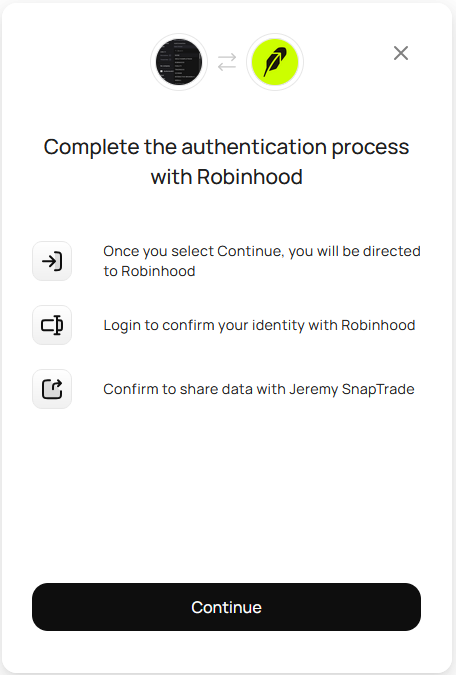
By using this method, you will have complete control over which brokerages your users will be allowed to connect through SnapTrade.